Yacht Empire
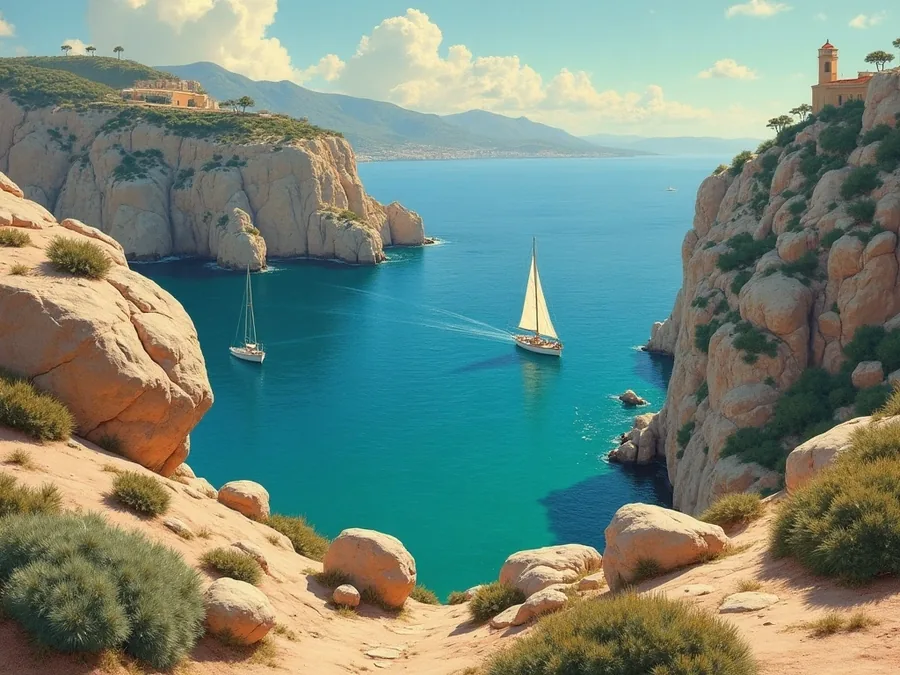
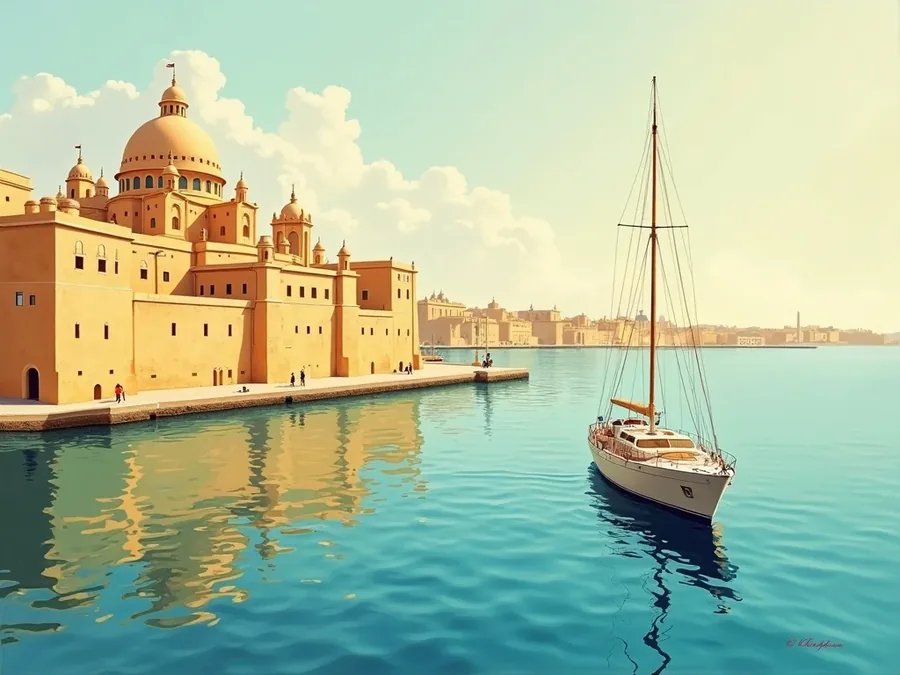
Hafenszene im Stil der 1920er: Yachten an der Mole von Palma bei goldenem Abendlicht
Aufbauspiel · Direkt im Browser Tycoon game · Right in your browser

Dein Charter­imperium auf den Balearen

Your charter empire in the Balearics

Du erbst ein einzelnes Boot in Menorca und baust daraus über zwanzig Kapitel eine Flotte, vier Häfen und eine Crew, die dir folgt.

You inherit a single boat in Menorca and turn it, over twenty chapters, into a fleet, four harbours and a crew that stands by you.

Handgemalte Balearen

The Balearics, hand-painted

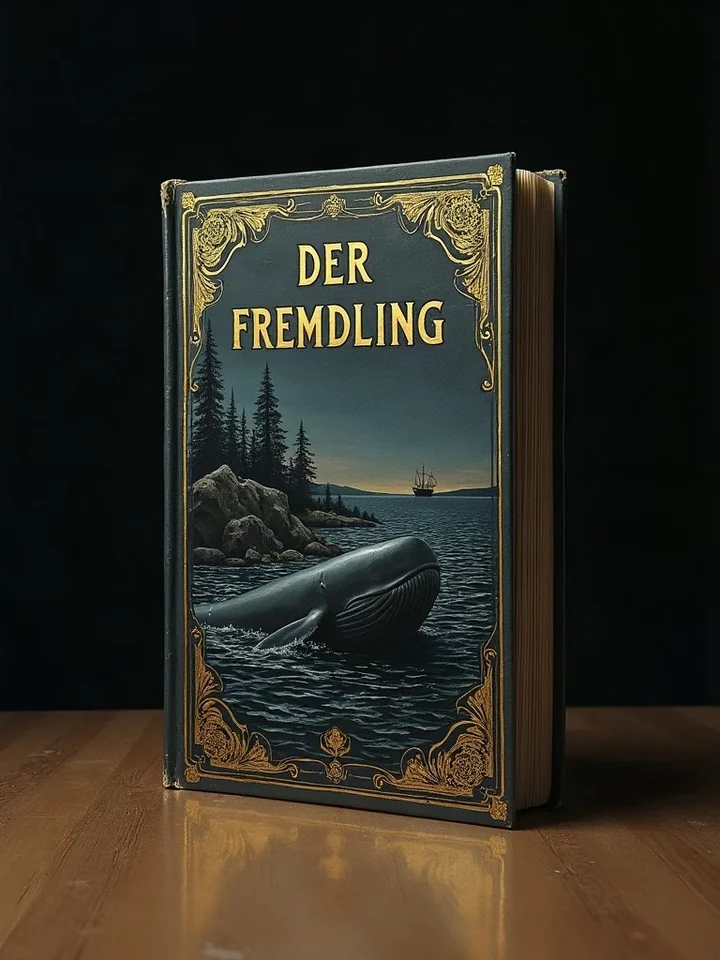
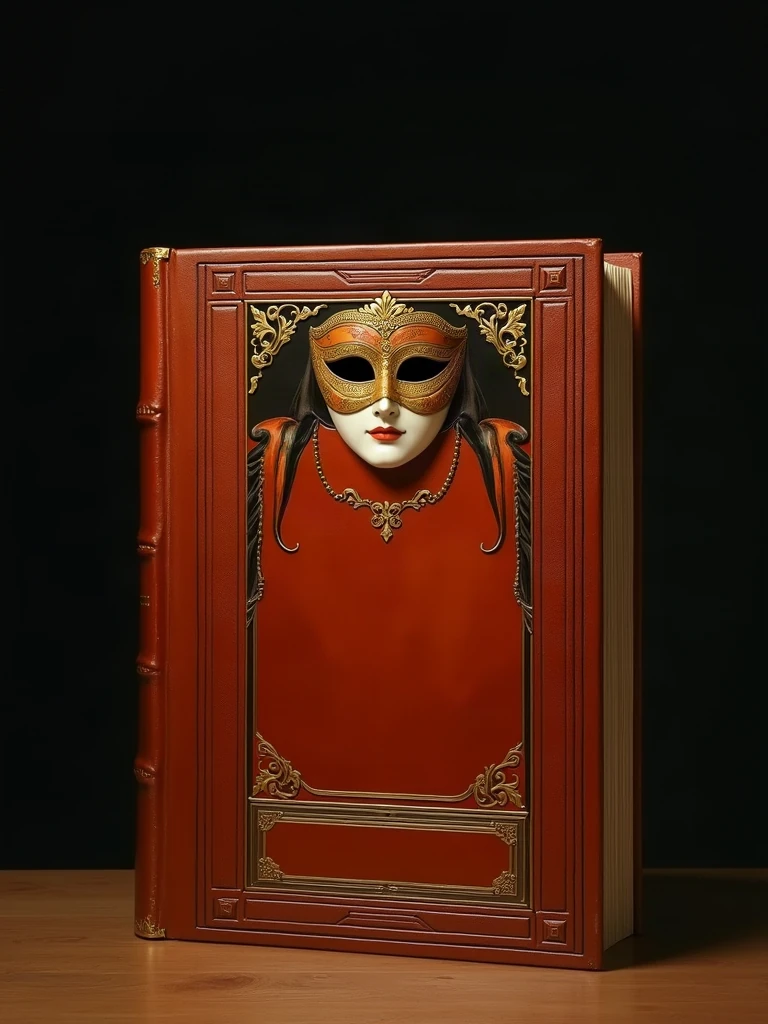
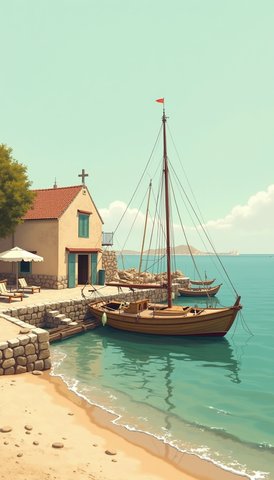
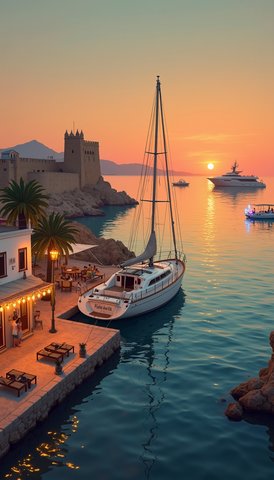
Jeder Hafen, jedes Boot und jede Figur ist ein eigenes Bild im Stil der Plakatmalerei der 1920er Jahre.

Every harbour, every boat and every character is its own painting in the poster style of the 1920s.

Wirtschaft

Business

Charter annehmen, Liegeplätze mieten, Häfen kaufen, ausbauen und eine Werft betreiben, die deine eigenen Boote baut.

Take charters, rent berths, buy and develop harbours, and run a shipyard that builds your own boats.

Geschichte

Story

Zwanzig Kapitel über vier Inseln, erzählt in gezeichneten Bildfolgen — vom geerbten Boot bis zur eigenen Reederei.

Twenty chapters across four islands, told in illustrated panels — from an inherited boat to a shipping line of your own.

Crew

Crew

Acht Charaktere mit eigener Geschichte, eigener Laune und einer Zuneigung, die wächst, wenn du dich kümmerst.

Eight characters with their own stories, their own moods and an affection that grows when you look after them.

In 30 Sekunden Takes 30 seconds

Yacht Empire auf dem Startbildschirm

Yacht Empire on your home screen

Es gibt keinen App Store und keinen Download. Du öffnest das Spiel im Browser und legst es dort mit ein paar Fingertipps als Symbol ab — danach startet es im Vollbild, ohne Adressleiste.

There is no app store and no download. You open the game in your browser and place it on your home screen in a few taps — from then on it launches full screen, without a browser bar.

iPhone und iPad (Safari)

iPhone and iPad (Safari)

Safari fragt nicht von sich aus, ob du die App installieren willst — es erscheint kein Hinweis und kein Banner. Du legst sie selbst ab, über das Teilen-Menü:

Safari never asks whether you want to install the app — no prompt, no banner appears. You add it yourself, from the share menu:

  1. Öffne app.yacht-empire.de in Safari. Chrome und Firefox auf dem iPhone können das Symbol nicht anlegen.
  2. Tippe unten in der Leiste auf Teilen — das Quadrat mit dem Pfeil nach oben. (Ist die Leiste ausgeblendet, einmal nach unten wischen.)
  3. Scrolle in der Liste nach unten bis Zum Home-Bildschirm und tippe darauf.
  4. Name bestätigen, oben rechts auf Hinzufügen. Das Symbol liegt jetzt auf deinem Startbildschirm.
  1. Open app.yacht-empire.de in Safari. Chrome and Firefox on iPhone cannot create the icon.
  2. Tap Share in the bottom bar — the square with the arrow pointing up. (If the bar is hidden, swipe down once.)
  3. Scroll down the list to Add to Home Screen and tap it.
  4. Confirm the name and tap Add at the top right. The icon is now on your home screen.

Warum umständlich? Auf iOS ist das der einzige Weg, den Apple für Web-Apps vorsieht. Wer den Schritt überspringt, spielt einfach im Safari-Tab weiter — es geht nichts verloren.

Why the detour? On iOS this is the only route Apple provides for web apps. If you skip it, you simply keep playing in the Safari tab — nothing is lost.

Android (Chrome)

Android (Chrome)

Chrome bietet die Installation an zwei Stellen an. Schau zuerst unten am Bildschirm, danach im Menü:

Chrome offers installation in two places. Look at the bottom of the screen first, then in the menu:

  1. Öffne app.yacht-empire.de in Chrome.
  2. Schau, ob unten eine Leiste mit App installieren eingeblendet ist. Wenn ja: antippen, fertig.
  3. Andernfalls tippe oben rechts auf das Menü und suche darin den Eintrag App installieren oder Zum Startbildschirm zufügen — je nach Chrome-Version heißt er unterschiedlich.
  4. Mit Installieren bestätigen.
  1. Open app.yacht-empire.de in Chrome.
  2. Check whether a bar reading Install app has appeared at the bottom. If so: tap it, done.
  3. Otherwise tap the menu at the top right and look for Install app or Add to Home screen — the wording differs between Chrome versions.
  4. Confirm with Install.

Kein Eintrag zu sehen? Dann bietet dein Browser die Installation gerade nicht an — im privaten Modus etwa nie. Das Spiel läuft im Tab genauso vollständig.

No entry there? Then your browser is not offering installation right now — in private mode, for instance, it never does. The game runs just as completely in a tab.

Desktop (Chrome, Edge)

Desktop (Chrome, Edge)

  1. Öffne app.yacht-empire.de.
  2. Schau rechts in der Adressleiste nach einem kleinen Installationssymbol (ein Bildschirm mit Pfeil nach unten). Ist es da: anklicken.
  3. Alternativ über das Browsermenü Casten, speichern und teilenSeite als App installieren; in Edge über AppsDiese Website als App installieren.
  4. Danach liegt Yacht Empire als eigenes Fenster im Dock bzw. im Startmenü.
  1. Open app.yacht-empire.de.
  2. Look at the right-hand end of the address bar for a small install icon (a screen with a downward arrow). If it is there: click it.
  3. Or use the browser menu Cast, save and shareInstall page as app; in Edge via AppsInstall this site as an app.
  4. Yacht Empire then lives in its own window in the dock or start menu.

Safari am Mac: dort heißt der Weg AblageZum Dock hinzufügen (ab macOS Sonoma).

Safari on Mac: there the route is FileAdd to Dock (macOS Sonoma and later).

Muss ich installieren?

Do I have to install?

Nein. Yacht Empire ist eine Website — der Link im Browser genügt, und du spielst sofort los. Das Installieren legt nur ein Symbol an, startet das Spiel im Vollbild und lässt es auch dann öffnen, wenn du gerade kein Netz hast.

No. Yacht Empire is a website — the link in your browser is enough and you can start playing right away. Installing merely adds an icon, starts the game full screen and lets it open even when you are offline.

Welche der Möglichkeiten dein Browser genau anbietet, entscheidet der Browser selbst und ändert sich mit jeder Version. Deshalb steht oben, wo du nachschaust — nicht, dass sich etwas von allein melden wird.

Which of these options your browser actually offers is decided by the browser itself and changes with every version. That is why the steps above tell you where to look rather than promising that something will pop up on its own.

Dein Spielstand liegt in deinem Browser. Löschst du die Website-Daten, ist er weg — mit einem Konto wird er zusätzlich gesichert.

Your save game lives in your browser. Clearing the site data removes it — with an account it is backed up as well.

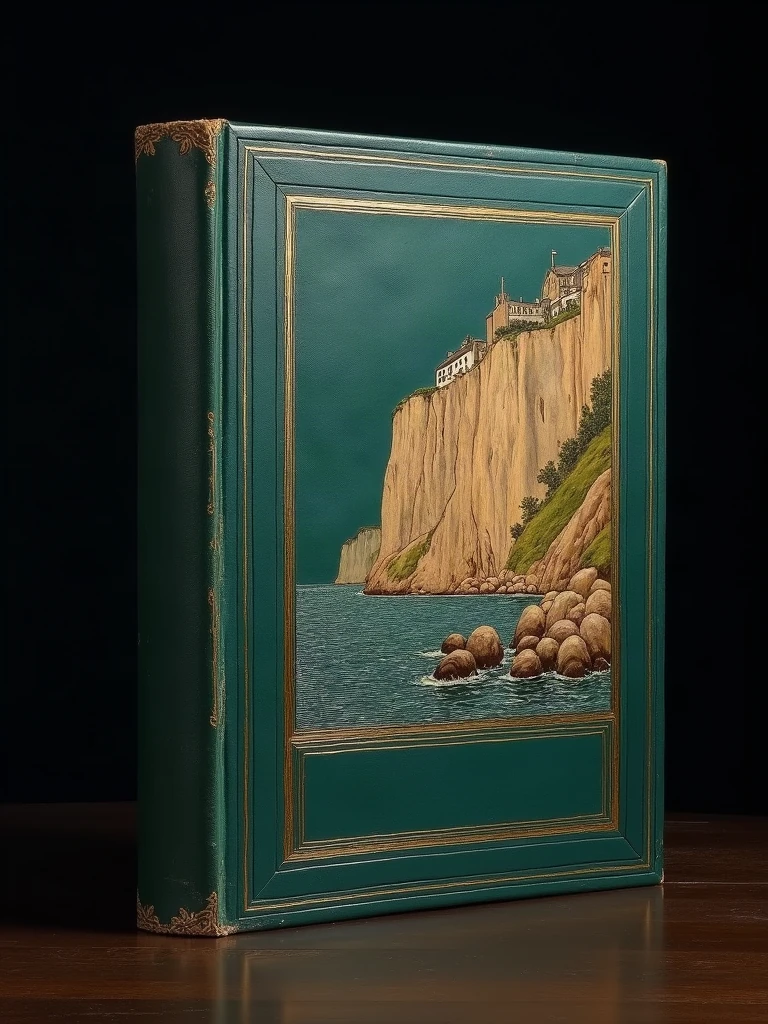
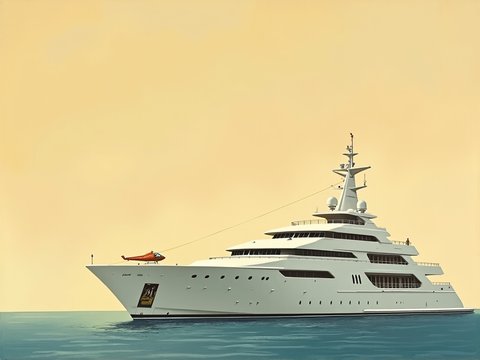
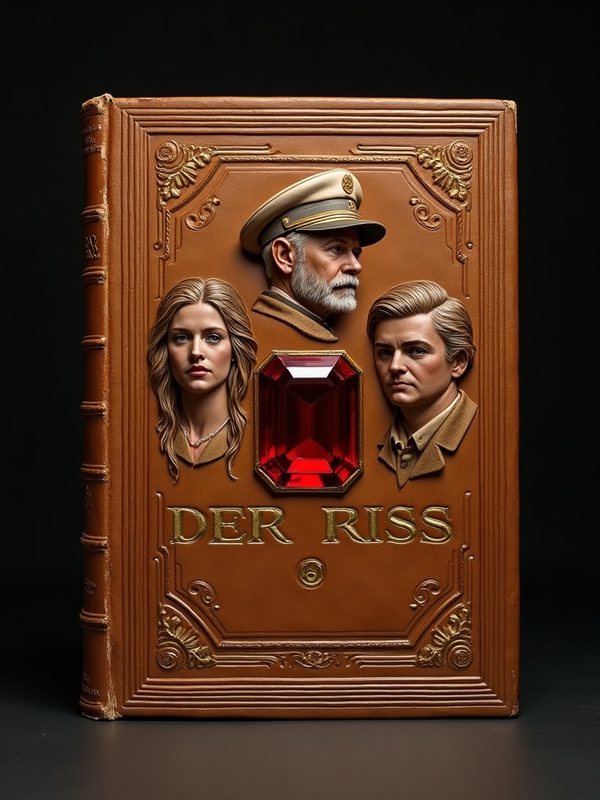
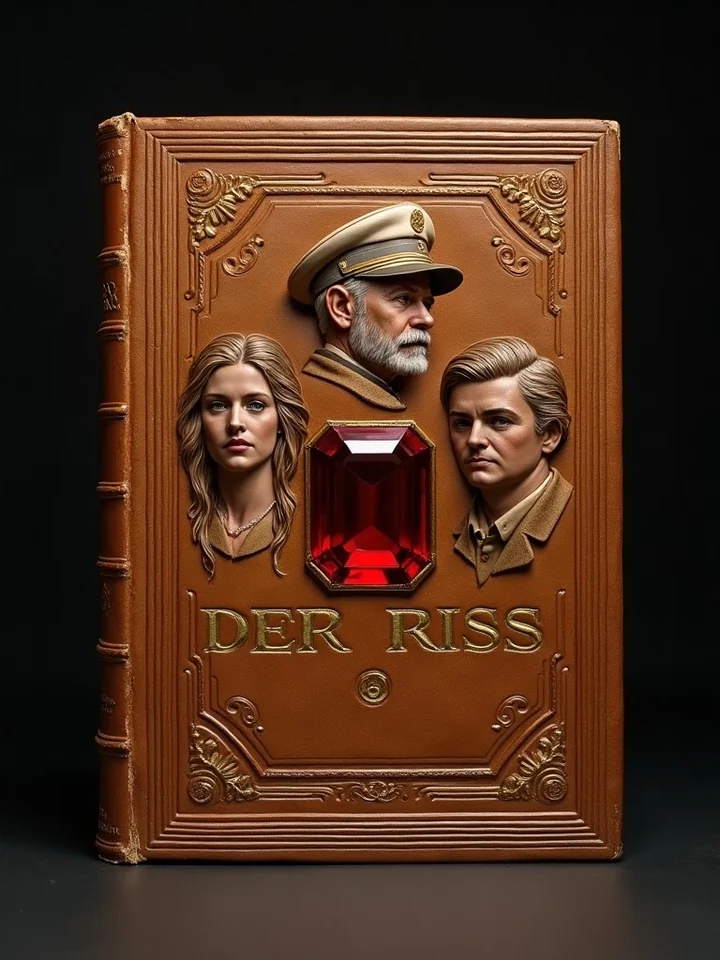
Buchcover von Yacht Empire: eine Yacht vor der Küste Menorcas

Kapitel eins wartet

Chapter one is waiting

Kostenlos starten, ohne Installation, ohne Konto. Beides kannst du später jederzeit nachholen.

Start for free, without installing, without an account. You can add both later, any time.